
Accessing Kronos
To access Kronos, please use either Google Chrome, Microsoft Edge, Safari, or Firefox. Internet Explorer does not work with Kronos.
- Open the URL: https://atlanticpackaging.prd.mykronos.com
- Favourite it by clicking the star in the address bar

-
Select SSO Login at the bottom
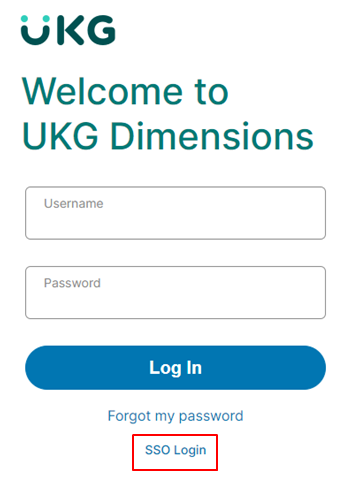
-
Enter your login credentials like this: username@corp.atlantic.ca
If you are in the office/on VPN, it will look like this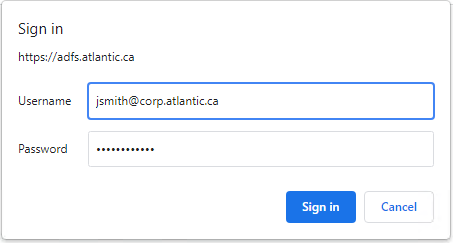
If you are working elsewhere without a VPN, it will look like this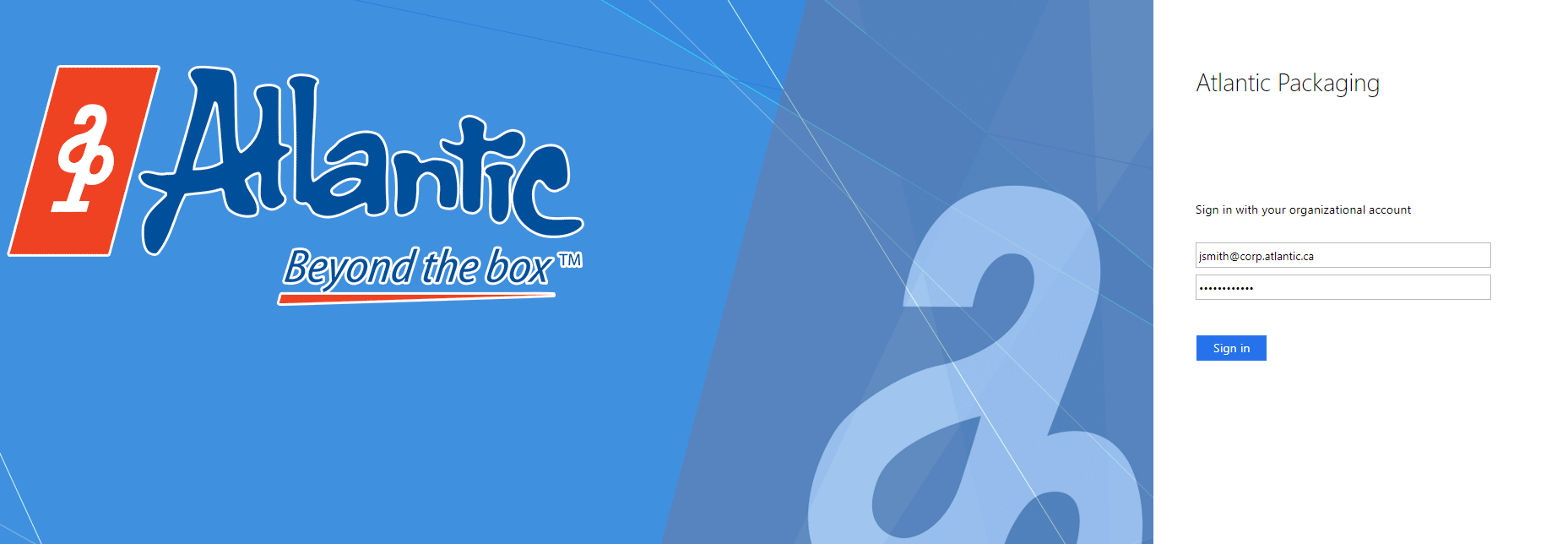
- You have logged in.
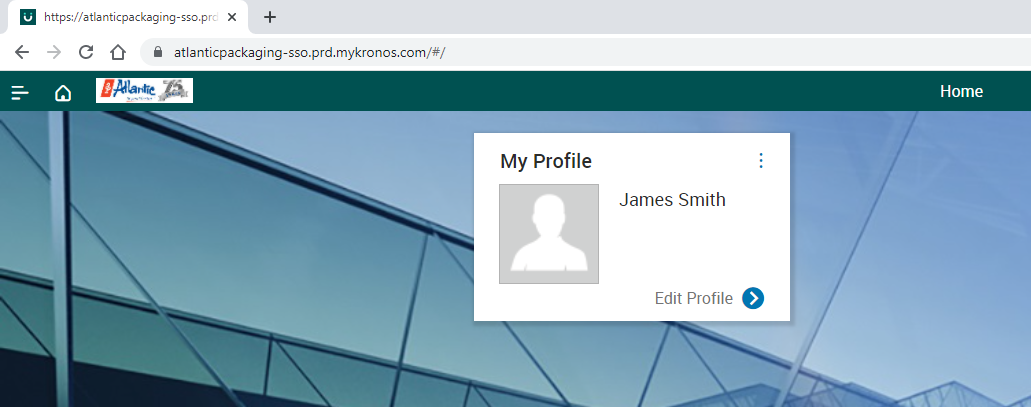
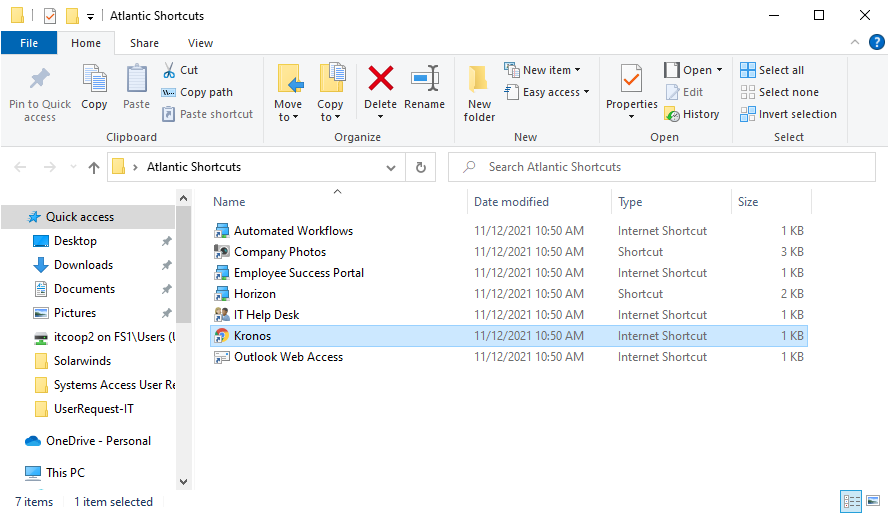
Note: You can also find the Kronos shortcut on your desktop in the Atlantic Shortcuts Folder
- Locate the Atlantic Shortcuts Folder

- Kronos Shortcut
Comments
0 comments
Please sign in to leave a comment.